In the hustle of Kingwood life, where soccer practices in Timberlane Acres and school runs through Kingwood Lakes keep everyone on the go, your microwave is a kitchen hero. It reheats leftovers, pops popcorn for movie nights, and saves precious minutes during dinner prep. But when it starts acting up—refusing to heat, making strange noises, or simply shutting down—frustration sets in fast. As a busy parent in Greentree Village or Northview, you don’t have time for endless appliance drama.
That’s where Kingwood Appliance Repair comes in. We’re your local experts serving the entire Kingwood area, and today, we’re sharing practical DIY microwave troubleshooting tips tailored for families like yours. These steps can help you diagnose and fix common issues without calling in the pros right away. If things get too tricky, remember we’re just a call away at (877) 886-4281 for reliable microwave repair services. Let’s dive in and get your microwave buzzing again!
Understanding Common Microwave Problems
Microwaves are durable, but daily use in a busy household can lead to wear and tear. Before panicking, identify the issue. Here are the most frequent complaints we hear from Kingwood residents:
It Won’t Turn On
If your microwave is completely dead, start with the basics. Check if it’s plugged in securely—sometimes a loose cord is the culprit after a family member unplugs it for another gadget. Test the outlet by plugging in something else, like a toaster. In older Kingwood homes around Fall Creek, outlets might be faulty due to age, so try a different one.
Next, inspect the door. Microwaves have safety switches that prevent operation if the door isn’t latched properly. Clean any debris around the latch with a soft cloth. If it’s still not powering up, the internal fuse might have blown—a common issue from power surges common in our humid Texas weather.
Actionable Tip: Unplug the microwave for 5 minutes to reset it. This simple step resolves up to 30% of power issues, according to our service logs.
It Turns On But Doesn’t Heat
Your microwave spins and lights up, but food comes out cold? This points to a magnetron problem or faulty diode—key components for generating heat. But don’t jump to conclusions; first, verify the settings. Ensure you’re not accidentally on a defrost or sensor mode.
Check the power level; sometimes it’s set too low. For families juggling quick meals, this is an easy oversight. Also, test with a cup of water for 1 minute—if it doesn’t boil, heating is indeed the issue.
Local Insight: In Kingwood’s variable climate, moisture buildup can affect performance. Wipe the interior with a vinegar solution to clear any residue that might interfere.
Strange Noises or Sparks
Hearing loud humming, buzzing, or seeing sparks inside? Stop using it immediately—these are safety red flags. Noises often come from a worn turntable motor, while sparks indicate damaged wave guides or food debris.
Clean the interior thoroughly, focusing on the waveguide cover (usually a small plastic piece near the top). If sparks persist, it could be a more serious electrical fault.
Safety First: For Kingwood families with kids, never ignore sparks. Unplug and schedule a professional check to avoid fire risks in your home.
Step-by-Step DIY Troubleshooting Guide
Armed with the problem, follow these steps to troubleshoot like a pro. These tips are designed for busy schedules—no need for fancy tools, just common household items.
Step 1: Safety Check and Cleaning
Always unplug the microwave before any inspection. Remove the turntable and roller guide, washing them in warm soapy water. For the interior, use a microwave-safe bowl with 1 cup water and lemon slices—heat for 5 minutes to steam clean. This loosens grime that’s common in high-use Kingwood kitchens.
Wipe down seals and vents with a damp cloth. A clean microwave performs better and prevents many issues.
Step 2: Test the Door and Controls
Examine the door for alignment issues. Gently press the latch while plugging it back in. If controls are unresponsive, reset by unplugging for 10 minutes. For touchpad problems, which we see often in humid areas like Northview, avoid using harsh cleaners that could damage the membrane.
Pro Tip: If your model has a control lock (for child safety), hold the cancel button for 3 seconds to unlock it—perfect for families in Timberlane Acres with little ones.
Step 3: Diagnose Heating Failures
To test the magnetron, run an empty microwave for 30 seconds on high (only if the manual allows—never with metal inside). Listen for the high-voltage hum. No hum? It might need replacement, but that’s a job for experts.
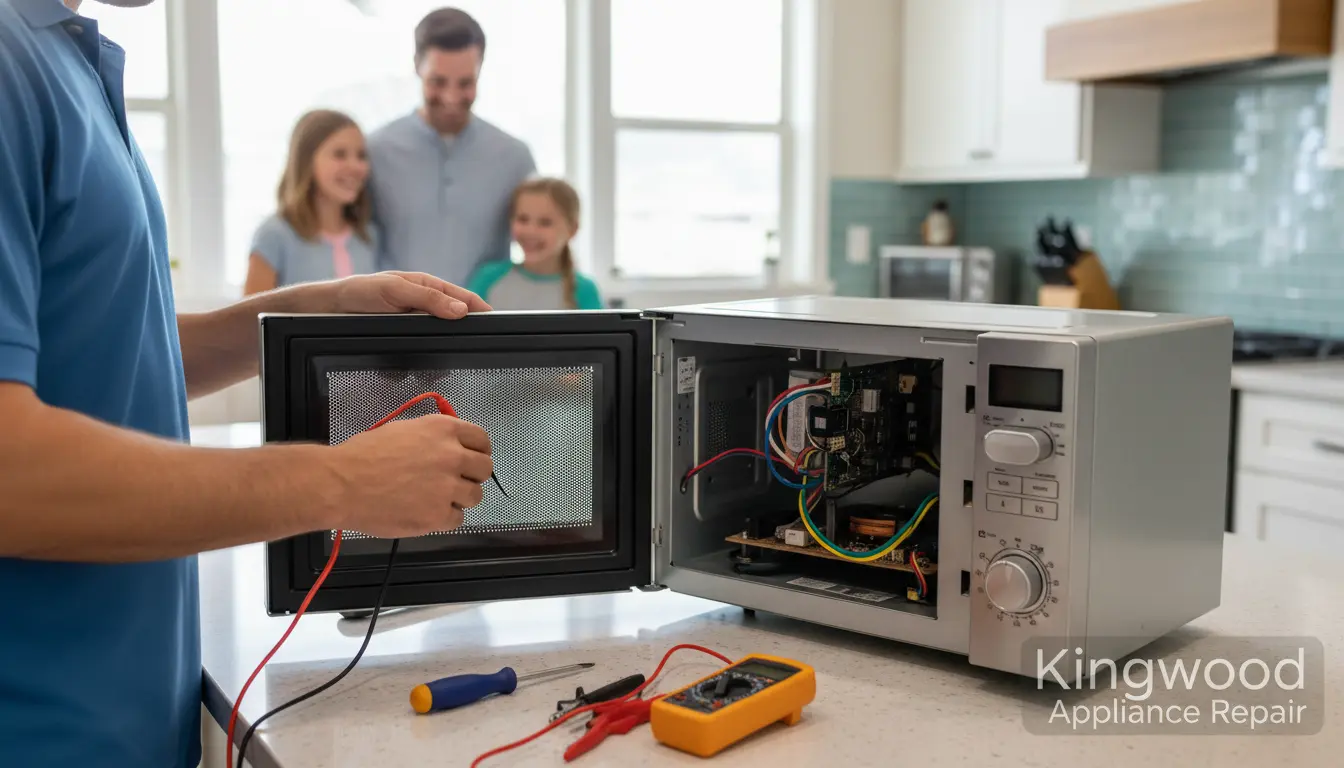
Check the thermal fuse with a multimeter if you have one; continuity means it’s good. For non-tech-savvy folks, skip to calling us—we handle this safely.
Step 4: Address Turntable and Vent Issues
If the plate doesn’t rotate, inspect the drive coupling under the unit. Clean or realign it. For fan or vent noises, clear any blockages from the exterior vents, especially important in dusty Kingwood neighborhoods like Greentree Village.
Actionable Advice: Schedule monthly cleanings to prevent buildup. This extends your microwave’s life by years.
When to Call the Professionals
DIY is great for minor fixes, but some problems require skilled hands. If you’ve tried these steps and nothing works, or if you smell burning or see smoke, it’s time for stove top repair pros—no, wait, microwave specialists like our team at Kingwood Appliance Repair.
We’re equipped for complex repairs, including magnetron replacements and fuse diagnostics, serving areas from Kingwood Lakes to Fall Creek. Our technicians arrive promptly, minimizing disruption to your family routine.
For related appliances, if your dishwasher repair needs arise alongside, we offer bundled services to save you time and money.
FAQ: Common Microwave Questions for Kingwood Families
1. How often should I clean my microwave?
Aim for weekly wipes and monthly deep cleans. In Kingwood’s humid environment, this prevents mold and maintains efficiency.
2. Can I fix a broken handle myself?
If it’s just loose, tighten screws. For cracks, adhesive might work temporarily, but professional microwave repair ensures safety.
3. Why does my microwave trip the circuit breaker?
Overloaded circuits or a faulty unit. In older homes around Northview, upgrade your breaker or let us inspect.
4. Is it safe to use a microwave with a small dent?
Minor dents are usually fine, but deep ones affecting the door seal aren’t. Contact us at (281) 783-3336 for a quick evaluation.
5. How long do microwaves typically last?
7-10 years with proper care. If yours is older, consider our upgrade advice during service visits.
Wrapping Up: Keep Your Kitchen Running Smoothly
Troubleshooting your microwave doesn’t have to be overwhelming, even for the busiest Kingwood families. With these DIY tips, you can handle common issues and reclaim your time for what matters—family dinners in Timberlane Acres or park outings in Greentree Village. Remember, prevention is key: regular maintenance avoids bigger headaches.
If these steps don’t solve your problem, or if you prefer hands-off service, Kingwood Appliance Repair is here to help. We’re locals who understand your needs, offering fast, affordable repairs across Kingwood Lakes, Fall Creek, and beyond. Give us a call at (877) 886-4281 today to schedule an appointment and get your appliances back in top shape. Your kitchen—and your family—will thank you!